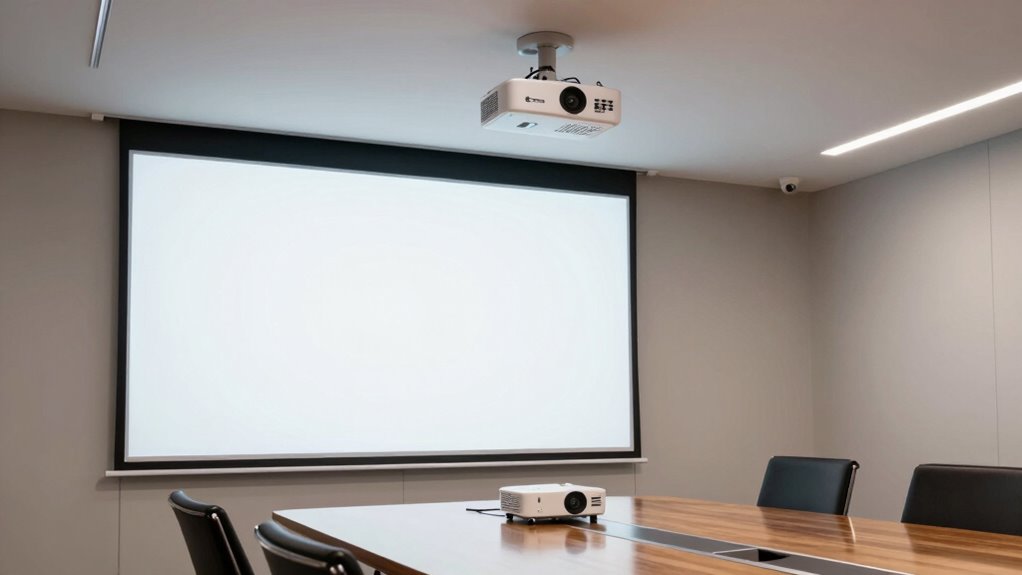

To choose the best business projector for conference rooms, prioritize good wireless connectivity for easy sharing and a clutter-free setup. Make sure it offers high resolution—1080p or 4K—for sharp visuals and clear text. Brightness and contrast are key for visibility in well-lit spaces, while long-lasting bulbs reduce maintenance costs. Portability and user-friendly features like keystone correction help quick setup in different rooms. Keep exploring to discover more essential features that elevate your presentation experience.
Key Takeaways
- Reliable wireless connectivity for seamless content sharing and minimal clutter.
- High resolution (1080p or 4K) for sharp, clear visuals and professional presentation quality.
- Brightness and contrast levels suitable for various ambient lighting conditions.
- Durability and easy maintenance for long-term, consistent performance.
- Portability and user-friendly features for quick setup and flexible conference room use.
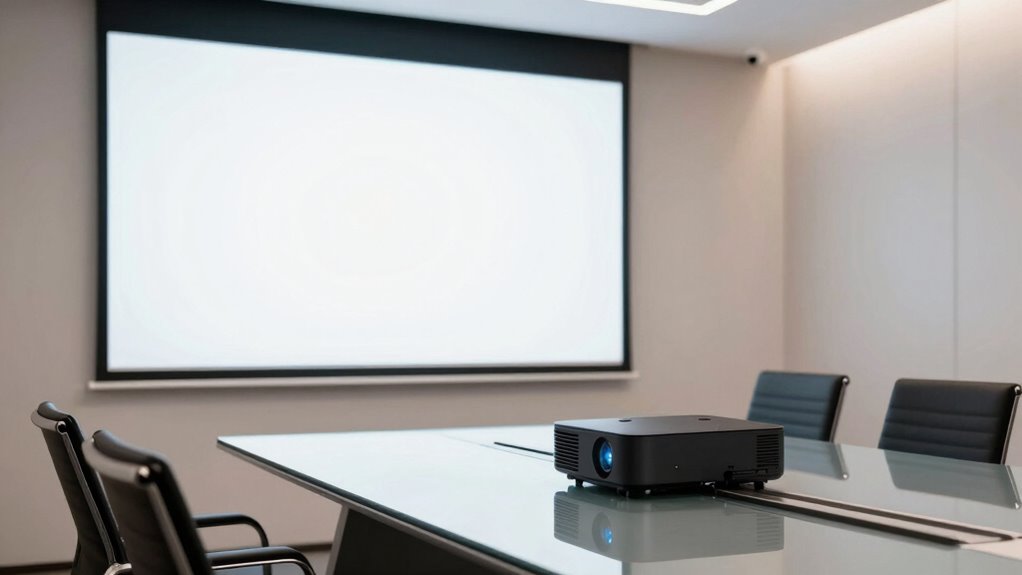
Are you searching for the perfect business projector to elevate your conference room presentations? If so, you’ll want a device that combines seamless wireless connectivity with high-quality image resolution. Wireless connectivity is essential because it allows you to share your content effortlessly from laptops, tablets, or smartphones without fumbling with cables. This feature enables quick setup, reduces clutter, and helps maintain a professional, clean environment. Whether you’re streaming a PowerPoint presentation, a video, or a live feed, a projector with reliable wireless capabilities ensures your content is transmitted smoothly and without interruption, saving you time and frustration.
Equally important is the image resolution. When choosing a business projector, you need a device that can produce sharp, clear visuals that are easy to read and engaging for your audience. A higher resolution, such as 1080p or even 4K, makes text crisp and graphics detailed, which is especially vital for data-heavy presentations or visuals with fine lines and small fonts. Poor resolution can make your slides appear blurry or pixelated, detracting from your professionalism and making it harder for everyone in the room to follow along. Therefore, prioritizing a projector with high image resolution ensures your message comes across clearly and leaves a lasting impression.
Beyond wireless connectivity and image resolution, consider brightness levels. Conference rooms can vary in lighting, so a projector with a high lumen count ensures your images are visible even with ambient light. The right brightness complements your resolution, making your visuals vibrant and legible. Additionally, look for models with good contrast ratios, which enhance color depth and detail, giving your presentations a more dynamic, engaging look. Incorporating advanced display technology can further improve image quality and overall viewing experience. Also, selecting a device with long-lasting bulbs can save costs over time and ensure consistent performance during important meetings. Moreover, choosing a projector with easy maintenance features can help extend its lifespan and simplify upkeep, especially if you need to operate it frequently.
Portability and ease of setup also matter. Modern business projectors should be lightweight and straightforward to install, especially if you frequently change conference rooms or need to move the projector around. Features like keystone correction and lens shift help you quickly align the image without hassle, saving you time during setup. Some projectors even offer smart features, like app-based controls or built-in streaming options, that streamline your workflow further. Moreover, considering the maintenance requirements of a projector can help you keep it in optimal condition and avoid unexpected downtime. Keeping your projector in top shape can also be supported by regular cleaning and calibration, which is crucial for maintaining image quality over time.
Ultimately, the best business projector for your conference room balances wireless connectivity, high image resolution, brightness, and user-friendly features. Prioritizing these aspects ensures your presentations are professional, impactful, and hassle-free, helping you communicate your ideas effectively and impress your audience every time.
![[Officially-Licensed App & Auto Focus]White Smart Mini Projector with WiFi and Bluetooth, XuanPad 4K Support Movie Projector, Portable Native 1080P Outdoor Projector with 360° Stand](https://m.media-amazon.com/images/I/51I8uy-U8bL._SL500_.jpg)
[Officially-Licensed App & Auto Focus]White Smart Mini Projector with WiFi and Bluetooth, XuanPad 4K Support Movie Projector, Portable Native 1080P Outdoor Projector with 360° Stand
- Compatibility with Streaming Apps: Supports Netflix, YouTube, Prime Video
- 4K and 1080P Resolution: Native 1080P, supports 4K for sharp images
- High-Quality Lens and Display: Nano-high-lens, high-precision LCD technology
As an affiliate, we earn on qualifying purchases.
As an affiliate, we earn on qualifying purchases.
Frequently Asked Questions
How Does Projector Resolution Impact Presentation Clarity?
Higher image resolution greatly boosts your presentation’s visual clarity, making details sharper and easier to see. When you choose a projector with better resolution, your audience can easily read text, view detailed charts, and appreciate visuals without strain. This clarity keeps your message clear and engaging, especially in well-lit conference rooms. Prioritizing resolution guarantees your presentation looks professional, enhances understanding, and leaves a lasting impression.
What Is the Ideal Projector Brightness for Large Conference Rooms?
You should aim for a projector brightness of at least 3,500 lumens for large conference rooms to guarantee clear image quality even with ambient light. Higher brightness enhances visibility and detail, making your presentations more engaging. Keep in mind, though, that increased brightness can lead to higher power consumption, so balance your needs to avoid unnecessary energy use. This way, your presentations stay sharp without wasting resources.
How Important Is Connectivity Compatibility With Different Devices?
Think of connectivity compatibility as the bridge that keeps your conference room meetings flowing smoothly. You need device versatility and wireless integration to guarantee seamless presentations from laptops, tablets, or smartphones. Without this, you’re left juggling cables or facing compatibility issues. Prioritizing these features means your projector adapts effortlessly to different devices, making your meetings more efficient and less stressful—turning a simple presentation into a powerful, connected experience.
What Maintenance Is Required for Long-Term Projector Use?
You’ll need to follow regular maintenance schedules, like cleaning filters and dusting vents, to guarantee your projector runs smoothly. Keep an eye on lamp life and replace the lamp when it nears the end of its lifespan to avoid disruptions. Additionally, check for software updates and inspect cables periodically. Proper maintenance not only extends your projector’s lifespan but also guarantees consistent performance during important meetings.
How Does Projector Throw Distance Affect Room Setup Options?
Your projector’s throw distance impacts your room setup through the lens throw ratio, which determines how far back you need to place it for a specific screen size. A shorter throw lens allows flexible placement in smaller rooms, while a longer throw requires more space. Be mindful of the projection angle, ensuring it aligns with your room’s dimensions, avoiding distortion or shadows, and optimizing image clarity.

HAPPRUN Native 1080P Outdoor Smart Projector-Standard
- Native 1080P Resolution: 1920×1080 full HD display
- Compact & Portable Design: Fits in backpacks, ideal for travel
- Bluetooth 5.1 Connectivity: Pair with speakers or headphones
As an affiliate, we earn on qualifying purchases.
As an affiliate, we earn on qualifying purchases.
Conclusion
Choosing the right projector for your conference room boosts productivity and engagement. Prioritize brightness, resolution, and connectivity to guarantee seamless presentations. Did you know that 85% of employees report increased collaboration and efficiency when equipped with the right technology? Investing in a high-quality business projector isn’t just about visuals—it’s about transforming meetings into dynamic, effective discussions. Make the right choice, and watch your team’s communication and ideas flourish.

ViewSonic PS502W 4000 Lumens WXGA Short Throw Projector, High Brightness for Business and Education, Easy Widescreen Setup, Dual HDMI, and USB-A Connectivity Inputs
- Short Throw DLP Lamp Projector: WXGA (1280x800p) resolution with a…
- Vibrant Colors: SuperColor technology delivers a wide…
- Large Screen Projection: Projects screen sizes from 80"…
As an affiliate, we earn on qualifying purchases.
As an affiliate, we earn on qualifying purchases.

Wireless HDMI Transmitter and Receiver 4K Kit, Full HD 4K Wireless Presentation Equipment HDMI Adapter, Plug and Play Streaming Media. Laptop, Dongle, PC, Smart Phone to HDTV/Projector 165FT/50M
- Supports 4K HD Video and Audio: Up to 1080P full HD at 60Hz
- Wide Compatibility: Works with MacBook, iPad, Galaxy, and more
- Plug and Play Setup: No drivers or apps required, easy connection
As an affiliate, we earn on qualifying purchases.
As an affiliate, we earn on qualifying purchases.