
📊 Full opportunity report: Is Anthropic Making AI More Autonomous? Default Auto Mode In Claude Code Explained on ThorstenMeyerAI.com — validation score, market gap, and execution plan.

Get business pricing on tech for your team
- Business-only prices and quantity discounts
- Tax-exempt purchasing
- Multiple users, one account, clear invoices
TL;DR
Anthropic has set auto mode as the default in Claude Code for paid plans, allowing the AI to automate many coding tasks. While this may boost efficiency, safety controls rely on unverified classifiers, raising concerns about safety and oversight.
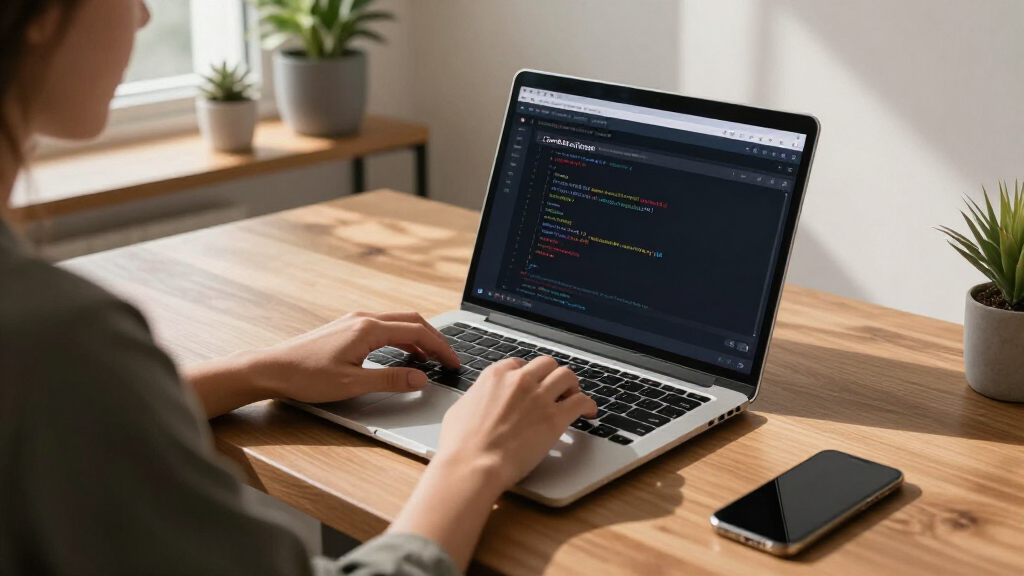
Anthropic has made auto mode the default setting for new Claude Code sessions on its Pro, Max, and Team plans starting August 14, 2026. This change allows the AI coding assistant to perform many routine actions without requesting approval at each step, potentially increasing productivity but also shifting safety responsibilities onto an automated classifier.
In auto mode, Claude Code reviews each proposed action through a separate safety classifier before execution. The system permits routine actions but blocks or escalates requests deemed irreversible, destructive, or influenced by prompt injection. Users retain control to select other permission modes, and administrators can restrict auto mode via managed settings.
Anthropic reports that teams using auto mode experienced approximately 25% more pull requests, suggesting increased efficiency. The company states that auto mode is designed to reduce permission fatigue by minimizing repetitive approval prompts. However, these productivity figures have not been independently verified. The change does not eliminate user oversight but shifts the balance toward greater autonomy for the AI.
Implications of Default Auto Mode in AI Coding
The shift to auto mode as the default raises important questions about AI safety, oversight, and trust. While automation can improve developer efficiency, reliance on an unproven classifier for safety introduces risks of missed harmful actions or unintended behavior. The change signals a move toward more autonomous AI systems in coding environments, but the actual safety performance remains unverified outside company testing.
This development is significant for organizations integrating AI into critical workflows, highlighting the need for careful configuration and monitoring of safety controls. It also underscores the ongoing debate about balancing productivity gains with robust safety measures in AI deployment.
As an affiliate, we earn on qualifying purchases.
Background on Auto Mode and AI Safety Measures
Anthropic introduced auto mode in March 2026 as a research preview, describing it as a safer alternative to disabling permission checks. It became generally available in July 2026 before being set as the default for paid plans on August 14. The feature aims to reduce permission fatigue by automating routine actions, with safety managed by a classifier that blocks harmful or unsafe commands.
In company tests involving 1,053 paid testers, auto mode reportedly blocked 89% of inserted harmful actions, significantly higher than manual review. However, the system did not prevent all unsafe actions, and the classifier’s performance in diverse or hostile environments remains unproven. Critics and safety advocates caution that reliance on automated classifiers without external validation could pose risks.
“Auto mode lets Claude execute without permission prompts.”
— an anonymous researcher
As an affiliate, we earn on qualifying purchases.
Unverified Safety Performance in Real-World Use
It is not yet clear how auto mode will perform outside controlled testing environments, especially in complex or hostile code repositories. The reported 89% detection rate of harmful actions is based on internal testing, and there is no independent verification of safety performance in diverse real-world scenarios. Risks of missed harmful commands or false positives remain, particularly when handling sensitive credentials or untrusted code.
As an affiliate, we earn on qualifying purchases.
Monitoring, Evaluation, and Potential Revisions
Expect ongoing monitoring of auto mode’s real-world safety performance, with organizations needing to evaluate the classifier’s accuracy and adjust configurations accordingly. Anthropic may update its safety classifier or change default settings based on incident reports or further testing. Developers and organizations should remain cautious, implementing additional safeguards where necessary.
As an affiliate, we earn on qualifying purchases.
Key Questions
What does auto mode do in Claude Code?
Auto mode allows Claude Code to perform routine actions without asking for approval each time. A safety classifier reviews each action before execution, potentially blocking unsafe commands while enabling more autonomous operation.
Who is affected by the default change to auto mode?
The change applies to all new sessions on Pro, Max, and Team plans from August 14, 2026. Users can still switch to other modes, and administrators can restrict auto mode via managed settings.
Can auto mode prevent all harmful commands?
No. Anthropic states that auto mode does not guarantee safety. Its classifier has limitations and may miss some unsafe actions or block legitimate work, so users should remain vigilant.
Will this increase safety or risk?
While auto mode aims to improve productivity, its safety depends on the classifier’s accuracy. There is a potential risk of unsafe actions going unblocked, especially in unfamiliar or hostile environments.
What should organizations do next?
Organizations should monitor auto mode’s performance, evaluate classifier effectiveness, and adjust safety and permission policies as needed. Careful oversight remains essential in deploying autonomous AI coding tools.
Source: ThorstenMeyerAI.com
Fall Picks
fall essentials
As an affiliate, we earn on qualifying purchases.