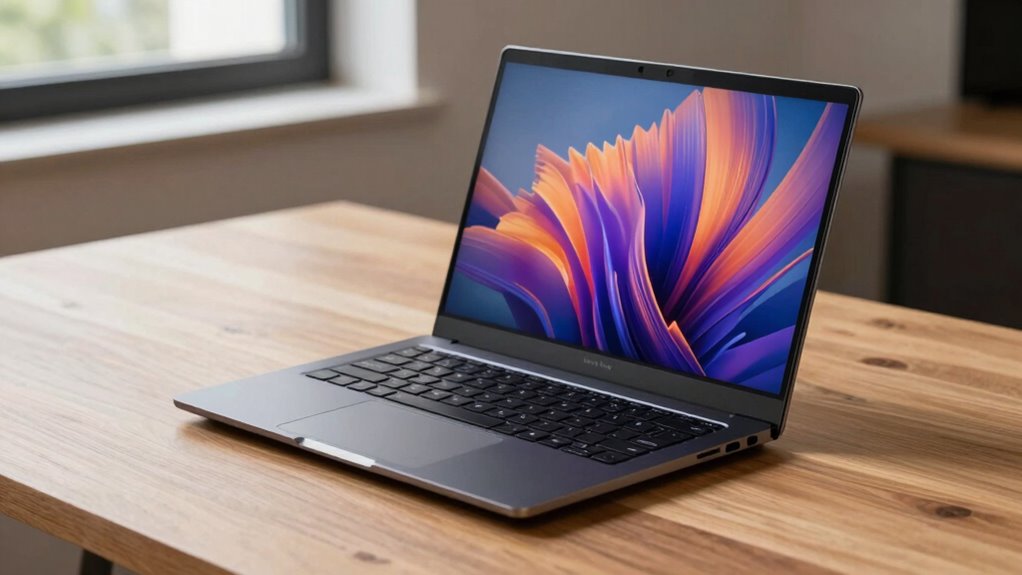

Mobile workstation laptops still beat desktops in portability, allowing you to work anywhere without being tied to a desk. Their impressive battery life keeps you productive during meetings or client visits without searching for outlets. You’ll enjoy seamless cloud integration and easier transport, making remote collaboration simple. Modern models pack powerful hardware comparable to desktops, ensuring high performance on the go. Stick around to see how these features can boost your mobile productivity even further.

Get business pricing on tech for your team
- Business-only prices and quantity discounts
- Tax-exempt purchasing
- Multiple users, one account, clear invoices
Key Takeaways
- Offer unmatched portability, enabling work from anywhere without being tethered to a fixed location.
- Provide extended battery life for uninterrupted productivity during travel or remote sessions.
- Facilitate seamless cloud integration for quick file access and collaboration across multiple environments.
- Support high-performance hardware comparable to desktops, ensuring professional workflows on the go.
- Enable flexible work setups and quick mobility between different workspaces or client sites.
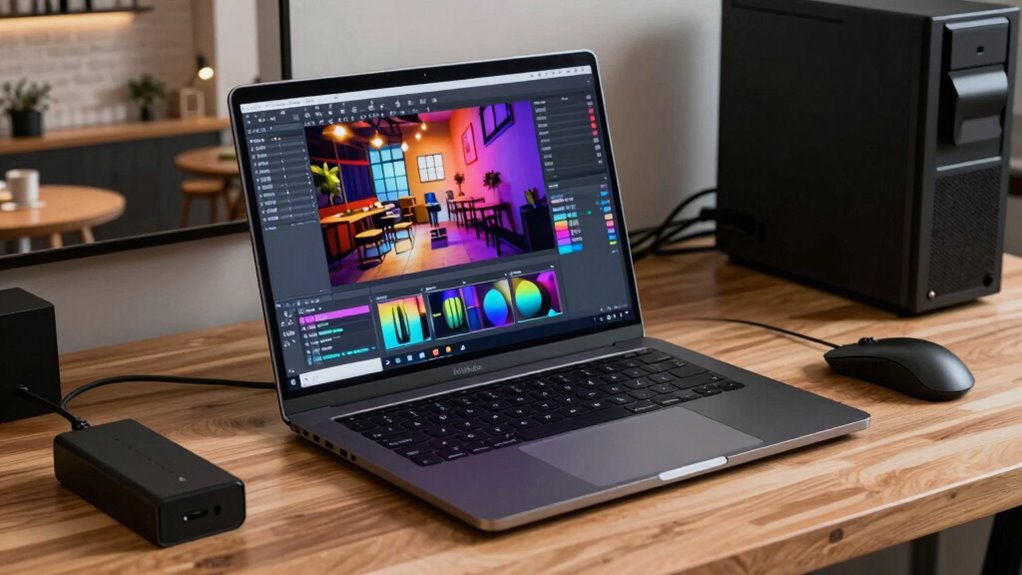
When choosing between mobile workstation laptops and desktops, understanding their differences can help you make the right decision for your professional needs. Mobile workstations are designed to offer a level of flexibility that desktops simply can’t match. They excel in cloud integration, making it easier for you to access and sync your files from anywhere. This is especially valuable if you frequently work in different locations or need seamless collaboration with team members across various sites. With a laptop, you’re not tied to a single physical space, so you can connect to cloud services on the go, ensuring your work stays current and accessible at all times.
Mobile workstations offer unmatched flexibility and seamless cloud access for professionals on the move.
Battery life is another area where mobile workstations surpass desktops. While desktops rely solely on their power supply, laptops come equipped with batteries that let you work unplugged for hours. This means you can attend meetings, work on the train, or move between client sites without constantly hunting for an outlet. Although high-performance laptops may not last as long as some might hope, advancements in battery technology continue to improve their endurance, providing you with a reliable workhorse that can keep pace with your busy schedule. This mobility and independence are essential if your work involves frequent travel or remote work scenarios.
Beyond connectivity and power, mobile workstations typically feature a more compact and portable design. You can slip them into a bag, set up in a variety of environments, and still maintain a high level of productivity. This portability also means you’re not limited by the physical constraints of a traditional desk setup. If your work requires you to move between different locations or desks within an office, a laptop offers the freedom to do so without sacrificing performance or functionality. Plus, many high-end models now pack impressive hardware, rivaling desktop setups in terms of processing power, graphics, and memory, but with the added benefit of mobility. Additionally, hardware advancements have played a significant role in enabling laptops to deliver desktop-class performance in a portable form factor.
In addition, mobile workstations often come with features tailored for professional workflows, such as better display options, touchscreens, and ergonomic considerations, making them more comfortable for extended use. Their ability to integrate smoothly with cloud platforms means your workflow remains uninterrupted regardless of where you are. Moreover, advancements in hardware technology have allowed laptops to match desktop performance levels in many areas, further emphasizing their suitability for demanding professional tasks. For example, the integration of powerful processors and GPUs ensures that demanding applications run efficiently on laptops just as they do on desktops. So, if your job demands flexibility, quick access to cloud resources, and sustained battery life during long workdays or travel, a mobile workstation laptop clearly outperforms a desktop in these essential areas.
high performance mobile workstation laptop
As an affiliate, we earn on qualifying purchases.
As an affiliate, we earn on qualifying purchases.
Frequently Asked Questions
Can Mobile Workstations Handle High-End Gaming Tasks Effectively?
Mobile workstations can handle high-end gaming tasks, but they often don’t match desktops in gaming performance due to thermal management limits. You might experience some throttling during extended gaming sessions, which can impact frame rates. However, modern mobile workstations have improved cooling systems, allowing you to enjoy demanding games with decent performance on the go. Just remember, for the absolute best gaming experience, desktops still hold the advantage.
What Are the Long-Term Cost Differences Between Mobile Workstations and Desktops?
Think of your budget as a garden—you want it to flourish without draining your resources. Mobile workstations offer cost savings through lower energy bills and maintenance efficiency, reducing long-term expenses. While desktops might seem cheaper upfront, portability and reduced upkeep make laptops more economical over time. You’ll enjoy fewer repairs, less downtime, and the flexibility to work anywhere, turning your investment into a thriving, cost-effective landscape.
How Do Mobile Workstations Perform in Extreme Environmental Conditions?
You’ll find that mobile workstations, designed with enhanced durability standards, perform well in extreme conditions. Their thermal performance is optimized to handle high temperatures and temperature fluctuations, preventing overheating. Ruggedized features like reinforced chassis and sealed ports protect against dust, moisture, and shocks. While they’re not entirely invincible, these laptops are built to operate reliably in challenging environments, making them a solid choice for professionals needing mobility without sacrificing performance.
Are Mobile Workstations Easier to Upgrade Than Desktops?
Mobile workstations are generally less easy to upgrade than desktops because their internal components are often more compact and less accessible. You might find upgrade complexity increases since you need to remove more parts or deal with specialized screws. While desktops offer straightforward access to RAM, storage, and GPUs, laptops usually require more careful disassembly, making upgrades more challenging and sometimes limited.
What Is the Typical Lifespan of a Mobile Workstation Laptop?
Your mobile workstation laptop typically lasts about 3 to 5 years, but don’t count your chickens before they hatch. Battery longevity tends to decline over time, affecting performance, while portability advantages make it a go-to for on-the-move tasks. Regular maintenance and upgrades can stretch its lifespan, but eventually, hardware becomes outdated. Stay proactive, and your device can serve you well longer than expected.
long battery life portable laptop
As an affiliate, we earn on qualifying purchases.
As an affiliate, we earn on qualifying purchases.
Conclusion
In the end, your mobile workstation is like a trusted compass, guiding you through the wilderness of deadlines and creative pursuits. While desktops may offer raw power, your laptop’s portability symbolizes freedom—allowing you to explore new horizons without losing your way. Embrace this symbol of versatility, knowing that your workstation isn’t just a device, but a partner on your journey, ready to lead you anywhere you dare to go.
laptop with seamless cloud integration
As an affiliate, we earn on qualifying purchases.
As an affiliate, we earn on qualifying purchases.
professional mobile workstation laptop
As an affiliate, we earn on qualifying purchases.
As an affiliate, we earn on qualifying purchases.
Halloween Picks
halloween
As an affiliate, we earn on qualifying purchases.