
Multimodal AI is reshaping enterprise interfaces by allowing you to interact naturally through text, voice, images, and gestures all at once. It interprets multiple data types simultaneously, giving you a more accurate understanding of your intentions and the environment. This creates smoother, more responsive workflows and reduces the need to switch between tools. As this technology evolves, you’ll discover how it continues to make enterprise systems smarter and more intuitive—if you keep exploring further.

Get business pricing on tech for your team
- Business-only prices and quantity discounts
- Tax-exempt purchasing
- Multiple users, one account, clear invoices
Key Takeaways
- Combines multiple data streams for more natural, seamless user interactions and improved understanding of complex inputs.
- Enables real-time, holistic analysis of visual, auditory, and gesture data for richer insights.
- Reduces the need to switch between tools, streamlining workflows and accelerating decision-making.
- Personalizes interfaces based on contextual understanding, enhancing user experience and engagement.
- Transforms traditional interfaces into intelligent, adaptive systems that support better collaboration and enterprise agility.
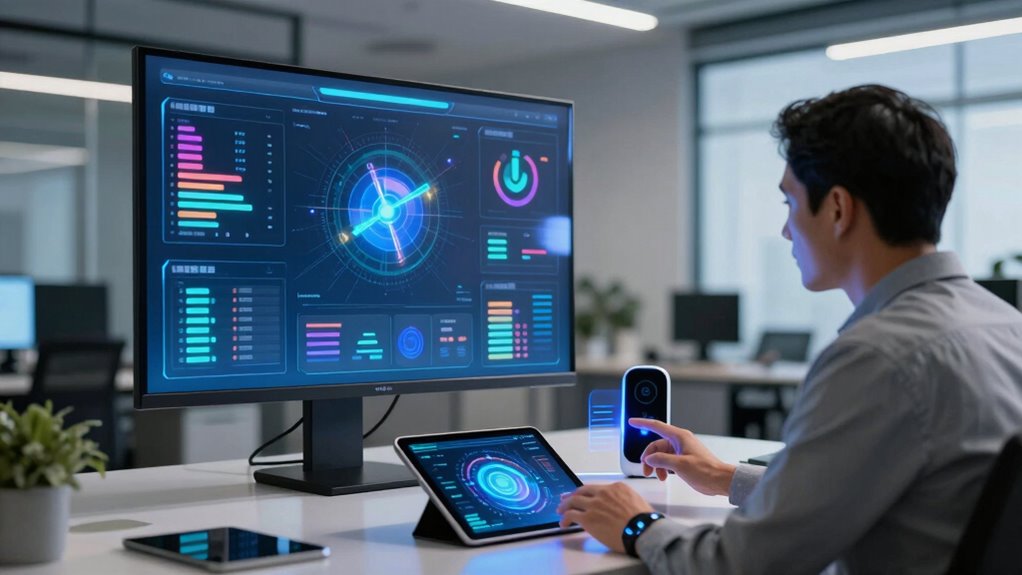
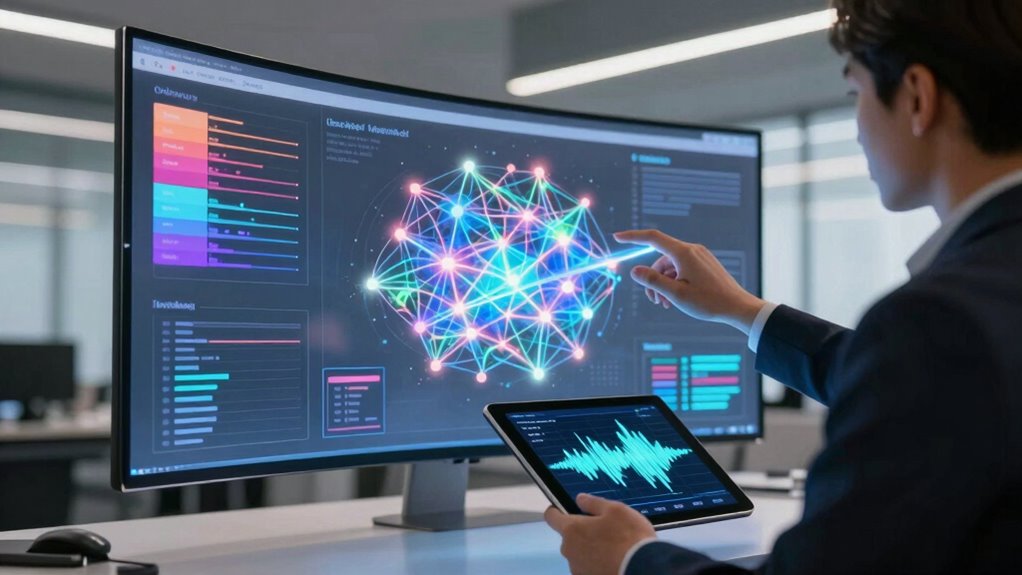
As businesses seek more intuitive ways to interact with technology, multimodal AI has emerged as a game-changer for enterprise interfaces. This technology combines different data streams—such as text, voice, images, and gestures—creating a more natural and seamless user experience. It’s not just about making things more accessible; it transforms how you and your team collaborate with AI systems. Human AI collaboration becomes more effective because multimodal AI understands context from multiple inputs simultaneously. For example, you can speak, gesture, or show an image, and the AI will interpret your intent accurately. This reduces misunderstandings and speeds up decision-making processes. The key to *accessing* this potential is data integration—bringing together diverse data sources into a unified system that the AI can analyze holistically. When data from various modalities is integrated, the AI gains a richer understanding of your environment, enabling smarter responses and more personalized interactions. Imagine walking into a conference room and simply saying, “Start the presentation,” while the AI recognizes your voice command, adjusts the lighting, pulls up the relevant documents from integrated data sources, and even captures facial expressions to gauge audience engagement. That’s the power of multimodal AI in action, making enterprise interactions more fluid and responsive. The ability to process multiple data types in real-time not only streamlines workflows but also enhances collaboration across teams. You no longer need to switch between different tools or interfaces; instead, the AI acts as an intelligent bridge, interpreting your inputs holistically and executing tasks with minimal friction. This integration of human input with AI’s data analysis ability leads to more intuitive interfaces that adapt to your needs rather than forcing you to adapt to rigid systems. *Additionally*, multimodal AI’s capacity to synthesize data from various sources means it can provide richer insights. When you combine visual data with voice commands, the AI can recognize not only what you’re saying but also the context conveyed through images or gestures. Businesses that leverage this technology find themselves better equipped to handle complex tasks, from customer service to operational management, because the AI responds more accurately to nuanced human cues. As the importance of data integration continues to grow, organizations can unlock even more potential from multimodal AI solutions, enabling smarter, more efficient workflows. This aligns with the growing trend of interconnected systems that facilitate seamless data exchange across platforms. In addition, advancements in contextual understanding allow the AI to better interpret ambiguous or incomplete inputs, making interactions even more natural. As a result, enterprise environments become more agile, collaborative, and efficient. *Essentially*, multimodal AI transforms traditional interfaces into dynamic, intelligent systems that grow smarter as they understand more about how you communicate and what data is most relevant. This ongoing evolution will continue to redefine how you work, making human-AI collaboration more natural and data-driven than ever before.
multimodal AI enterprise interface devices
As an affiliate, we earn on qualifying purchases.
As an affiliate, we earn on qualifying purchases.
Frequently Asked Questions
How Does Multimodal AI Improve User Experience in Enterprises?
Multimodal AI enhances your user experience by making interactions more natural and engaging. It allows you to communicate through voice, images, and text, boosting user engagement. This technology also enables interface customization, adapting to your preferences and needs for seamless workflows. By providing intuitive, versatile interactions, multimodal AI helps you accomplish tasks faster and more efficiently, ultimately transforming enterprise interfaces into more user-centric and effective tools.
What Are the Main Challenges in Implementing Multimodal AI?
You might think implementing multimodal AI is straightforward, but data integration and model scalability pose major challenges. Ensuring diverse data sources work seamlessly together requires complex integration, while scaling models to handle increasing data loads demands significant resources. These hurdles can slow deployment and impact performance. Addressing them involves robust infrastructure, continuous optimization, and strategic planning to make multimodal AI effective and reliable in enterprise environments.
How Secure Is Data When Using Multimodal AI Systems?
When using multimodal AI systems, your data’s security depends on strong security protocols and careful handling of data privacy. These systems often process sensitive data from various sources, so implementing encryption, access controls, and regular security audits is essential. While risks exist, adhering to best practices helps protect your data, ensuring confidentiality and integrity. Staying updated on security measures can give you confidence in using multimodal AI securely.
Can Multimodal AI Adapt to Industry-Specific Applications?
Yes, multimodal AI can adapt to industry-specific applications through industry customization and specialized integration. You can tailor these systems to meet unique sector needs, combining visual, textual, and auditory inputs seamlessly. This adaptability allows you to optimize processes, enhance decision-making, and improve user experiences across industries like healthcare, finance, or manufacturing. By integrating specialized data and workflows, multimodal AI transforms enterprise interfaces into powerful, industry-tailored tools that drive innovation.
What Is the Future Potential of Multimodal AI in Enterprises?
The future of multimodal AI in enterprises is promising, enabling seamless cross-platform integration and smarter decision-making. You’ll see it transforming how you interact with data through voice, visuals, and text, making workflows more intuitive. However, ethical considerations will remain essential to guarantee responsible use. As multimodal AI evolves, it’ll empower your business with personalized, efficient solutions while emphasizing transparency and fairness.
voice gesture recognition system
As an affiliate, we earn on qualifying purchases.
As an affiliate, we earn on qualifying purchases.
Conclusion
By embracing multimodal AI, you can create more intuitive and engaging enterprise interfaces. Imagine a customer service system that understands voice commands, gestures, and facial expressions to deliver personalized support instantly. For instance, a retail company integrating multimodal AI saw a 30% boost in customer satisfaction by responding more naturally to user cues. This technology isn’t just changing how businesses operate; it’s transforming how you interact with and serve your customers—making experiences smoother, smarter, and more human.
smart presentation control device
As an affiliate, we earn on qualifying purchases.
As an affiliate, we earn on qualifying purchases.
As an affiliate, we earn on qualifying purchases.
Fall Picks
fall essentials
As an affiliate, we earn on qualifying purchases.