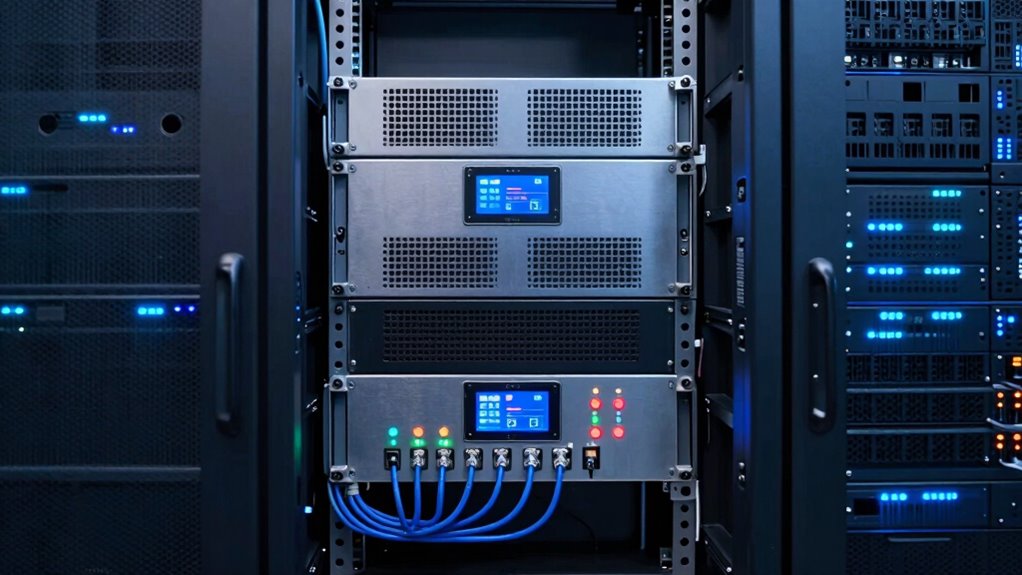

Proper rackmount UPS planning helps you do more than just save energy—it boosts your data center’s reliability and efficiency. By optimizing power redundancy, cooling, and space management, you reduce downtime and prevent costly failures. It also makes future upgrades easier and quicker, supporting your growth. Plus, it simplifies maintenance and keeps you compliant with regulations. Keep exploring to discover how smart UPS planning can protect your entire infrastructure beyond just power savings.

Get business pricing on tech for your team
- Business-only prices and quantity discounts
- Tax-exempt purchasing
- Multiple users, one account, clear invoices
Key Takeaways
- Proper planning ensures efficient cooling, reducing energy costs and preventing equipment overheating.
- Strategic layout enhances redundancy, minimizing downtime and safeguarding critical systems.
- Scalable design accommodates future growth, avoiding costly upgrades and system overhauls.
- Organized maintenance planning accelerates troubleshooting, reducing operational disruptions.
- Compliance with regulations and disaster preparedness improves overall infrastructure resilience.
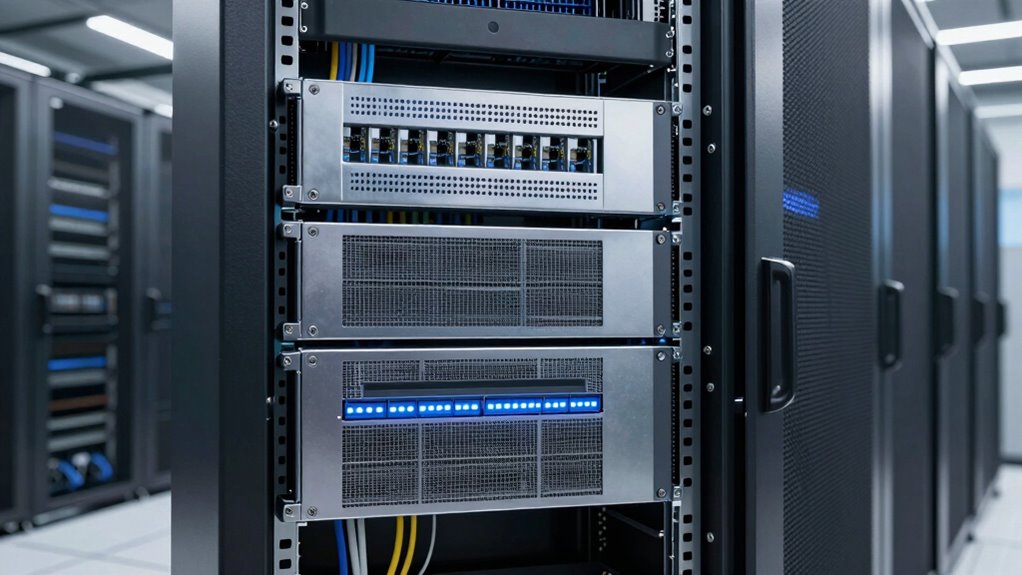
Are you ready to guarantee your data center stays operational during power outages? Proper rackmount UPS planning isn’t just about ensuring continuous power—it’s about creating a dependable infrastructure that safeguards your entire operation. When you focus on strategic UPS deployment, you enhance battery redundancy, which is essential for maintaining uptime during unexpected outages. Battery redundancy means installing multiple batteries or backup systems so that if one fails, others seamlessly take over, preventing any interruption. This approach minimizes the risk of downtime, giving you peace of mind that your critical systems remain active even in the face of power disturbances.
But power reliability isn’t the only benefit. Thoughtful rackmount UPS planning also plays an important role in cooling optimization within your data center. Efficient cooling is necessary to prevent overheating, which can reduce the lifespan of your equipment or cause failures. When you design your UPS layout with cooling in mind, you ensure that airflow is maximized and heat is effectively dissipated. Proper placement of UPS units and strategic cabling help maintain ideal temperatures, reducing the need for excessive cooling and lowering energy costs. Additionally, battery redundancy can contribute to better cooling management by reducing the strain on cooling systems during power fluctuations. This synergy between power and cooling systems is crucial for creating an energy-efficient environment. A comprehensive understanding of power management is crucial for designing a resilient and energy-efficient data center environment. By integrating cooling optimization into your planning process, you create a more energy-efficient environment that promotes equipment longevity and operational stability. Moreover, understanding energy efficiency can help you identify ways to further reduce operational costs through smarter system design.
Furthermore, considering state-specific regulations during your planning process ensures compliance and helps avoid costly penalties or upgrades. Planning your rackmount UPS setup carefully allows you to scale your system as your needs grow. You can allocate space and power capacity intelligently, ensuring future expansion doesn’t compromise your cooling or redundancy strategies. This foresight prevents costly upgrades or replacements down the line. Furthermore, a well-thought-out UPS configuration simplifies maintenance and troubleshooting. When your system is organized logically, identifying issues becomes faster, reducing downtime and operational disruptions.
Investing time in thorough UPS planning also enhances your disaster preparedness. In the event of severe power failures, a properly designed system ensures that your backup power kicks in smoothly, without sudden disruptions. This reliability is critical for maintaining customer trust, protecting sensitive data, and complying with industry standards. Additionally, incorporating best practices into your planning process can streamline operations and improve overall system resilience. Ultimately, effective rackmount UPS planning isn’t just about keeping the lights on; it’s about building a resilient infrastructure that supports your entire data ecosystem, from power supply to cooling systems. By prioritizing battery redundancy, cooling optimization, and future scalability, you position your data center for long-term success, minimizing risks and maximizing efficiency.
As an affiliate, we earn on qualifying purchases.
Frequently Asked Questions
How Do I Determine the Right Size for My Rackmount UPS?
To determine the right size for your rackmount UPS, start by calculating your total power needs, considering future growth. Make sure the UPS provides sufficient battery lifespan for backup time, and supports power redundancy to prevent outages. Check if it can handle your equipment’s peak load. By planning carefully, you’ll avoid undersizing, ensuring reliable backup power, longer battery life, and seamless system operation during outages.
What Are the Maintenance Requirements for Rackmount UPS Systems?
You need to regularly check your rackmount UPS’s battery lifespan and perform battery replacements as needed to guarantee reliable backup power. Keep noise levels in mind; if your system becomes unusually loud, it might signal a problem requiring maintenance. Regular inspections, cleaning vents, and firmware updates help maintain peak performance and minimize noise, ensuring your UPS stays efficient and dependable over its lifespan.
Can Rackmount UPS Systems Be Upgraded Easily?
Yes, rackmount UPS systems can be upgraded easily. You can extend battery longevity with modular designs, replacing or adding batteries as needed. Scalability options allow you to increase capacity by adding more units or power modules without replacing the entire system. This flexibility guarantees your setup can grow with your needs, saving you money and minimizing downtime. Upgrading is straightforward, making rackmount UPS systems a smart long-term investment.
How Does Cooling Impact the Performance of Rackmount UPS?
Imagine a gentle breeze flowing through a server room, cooling the rackmount UPS just enough to prevent overheating. Proper cooling efficiency and airflow management keep the UPS operating at peak performance, avoiding thermal stress that can cause failures. When airflow moves smoothly around components, it reduces heat buildup, extending lifespan and ensuring reliable power backup. You’ll notice fewer disruptions, and your system stays resilient against overheating threats.
What Are Common Installation Mistakes to Avoid?
You should avoid common installation mistakes like improper placement or neglecting ventilation, which can impact the UPS’s cooling and battery lifespan. Guarantee safety protocols are followed to prevent electrical hazards, and double-check connections for stability. Proper installation not only extends the battery lifespan but also ensures reliable power during outages. Taking your time and adhering to manufacturer instructions helps maintain peak performance and safety for your rackmount UPS system.
As an affiliate, we earn on qualifying purchases.
Conclusion
By planning your rackmount UPS carefully, you’re not just securing power—you’re building a sturdy shield around your entire system. Think of it as planting a strong anchor in a stormy sea; it keeps everything steady when chaos strikes. Skipping this step is like sailing without a compass—dangerous and unpredictable. So, take the time now to plan wisely, and you’ll steer clear of costly outages and downtime, ensuring your setup stays resilient no matter what comes your way.
data center cooling optimization equipment
As an affiliate, we earn on qualifying purchases.
As an affiliate, we earn on qualifying purchases.
rackmount uninterruptible power supply
As an affiliate, we earn on qualifying purchases.
As an affiliate, we earn on qualifying purchases.
Fall Picks
fall essentials
As an affiliate, we earn on qualifying purchases.