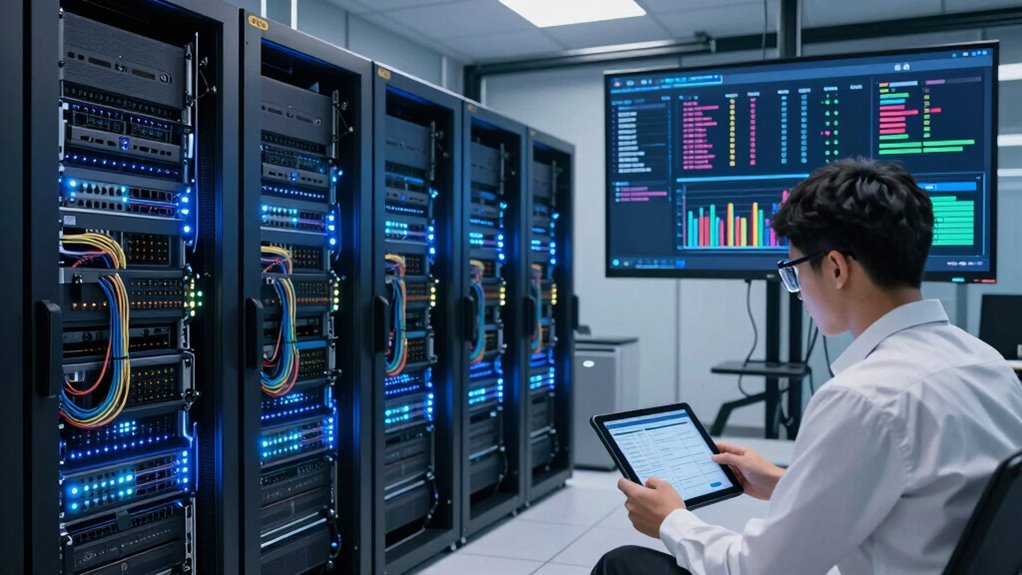

AI workload scheduling in Kubernetes means organizing and allocating your AI tasks efficiently across your hardware. You’ll make sure resources like CPUs, GPUs, and memory are used effectively, preventing bottlenecks and idle hardware. It helps scale workloads smoothly, responds quickly to changing demands, and optimizes costs. By using strategies like affinity and autoscaling, you can Boost performance and resource utilization. Keep exploring to discover how you can fully harness these scheduling techniques in your setup.

Get business pricing on tech for your team
- Business-only prices and quantity discounts
- Tax-exempt purchasing
- Multiple users, one account, clear invoices
Key Takeaways
- AI workload scheduling in Kubernetes optimizes resource allocation for CPU, GPU, and memory to enhance performance and efficiency.
- It balances workloads across nodes, preventing overloading and underutilization of hardware resources.
- Scheduling strategies utilize affinity, taints, and tolerations to direct tasks to suitable nodes based on performance needs.
- Scalability techniques like autoscaling adjust pod counts dynamically based on real-time workload demands.
- Effective scheduling maximizes hardware utilization, reduces costs, and ensures scalable, resilient AI infrastructure.
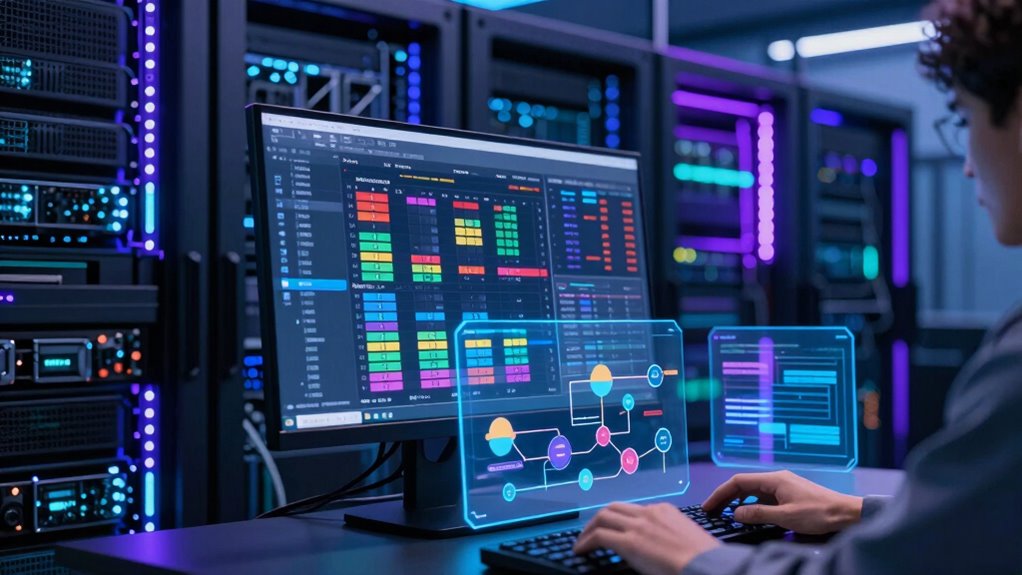
As artificial intelligence workloads grow more complex, effectively scheduling them in Kubernetes becomes essential for maximizing resource utilization and performance. AI tasks often demand significant computational power, large memory footprints, and fast data access, making resource allocation a critical factor in ensuring smooth operation. When you schedule AI workloads properly, you can allocate resources efficiently, avoiding bottlenecks or idle hardware, which in turn boosts overall throughput. Proper resource management also minimizes wasted capacity, saving costs and enabling you to handle more jobs simultaneously.
Effective AI scheduling in Kubernetes maximizes resource use, boosts throughput, reduces costs, and supports scalable, high-performance workloads.
In Kubernetes, AI workload scheduling isn’t just about assigning tasks to nodes; it’s about understanding the specific needs of each job and aligning those with available resources. You need to consider CPU, GPU, memory, and I/O requirements, then match these with the right nodes to optimize performance. If you overlook these details, you risk overloading some nodes while others remain underutilized. This imbalance hampers scalability, making it difficult to grow your AI infrastructure as demands increase. Effective scheduling helps you distribute workloads evenly, ensuring each node contributes to the overall system without becoming a bottleneck. Recognizing the hardware capabilities of your infrastructure is crucial for effective workload placement.
Scalability optimization is at the core of AI workload scheduling. As your AI projects expand, the ability to scale resources up or down quickly becomes vital. Kubernetes offers capabilities like horizontal pod autoscaling, which automatically adjusts the number of running pods based on real-time metrics such as CPU or GPU utilization. By leveraging these features, you can respond swiftly to fluctuating workload demands, ensuring performance remains stable even during peak times. This dynamic scaling minimizes latency and prevents resource starvation, keeping your AI models running efficiently. Additionally, understanding hardware limitations can help prevent over-provisioning and ensure optimal resource utilization. Awareness of resource constraints can also guide better planning and prevent system overloads.
Additionally, scheduling strategies like affinity and taints/tolerations empower you to control where workloads run, further enhancing scalability. For example, you can prioritize high-performance nodes for intensive AI training tasks, while deploying less demanding jobs on cheaper, lower-powered nodes. These approaches enable you to optimize resource allocation across your cluster, ensuring that each workload gets the right environment without overspending. When you align your scheduling policies with your infrastructure’s capabilities, you create a resilient, scalable system capable of supporting evolving AI needs.
In essence, AI workload scheduling in Kubernetes is about more than just assigning jobs—it’s a strategic process that maximizes resource allocation and scalability. When executed well, it helps you get the most out of your hardware, adapt swiftly to changing demands, and ultimately accelerate your AI development pipeline. This thoughtful approach ensures your AI workloads run smoothly, efficiently, and cost-effectively as your projects grow. For instance, understanding the horsepower of electric dirt bikes can help inform hardware choices for high-performance AI tasks, ensuring that computational power aligns with workload demands.
As an affiliate, we earn on qualifying purchases.
Frequently Asked Questions
How Does AI Workload Scheduling Differ From Traditional Scheduling?
AI workload scheduling differs from traditional scheduling by using heuristic algorithms to optimize resource allocation based on workload characteristics. You prioritize AI tasks considering factors like computational intensity and deadlines, ensuring efficient execution. Unlike static methods, AI scheduling dynamically adapts to changing demands, balancing workloads intelligently. This approach enhances performance, minimizes latency, and maximizes resource utilization, making your AI infrastructure more responsive and effective in handling complex, data-driven tasks.
What Are Common Challenges in AI Workload Scheduling?
Did you know that 60% of AI workloads face data skew issues? One common challenge you encounter in AI workload scheduling is managing data skew, which causes uneven resource utilization. You also need to optimize latency, ensuring rapid model training and inference. Balancing these factors is tough because data skew can increase latency, making scheduling less efficient. Overcoming these challenges requires intelligent scheduling strategies that adapt to dynamic workloads and data distribution.
Which Kubernetes Tools Optimize AI Workloads?
You can optimize AI workloads in Kubernetes using tools like Kubeflow, which simplifies model deployment and manages data preprocessing efficiently. Kubeflow streamlines the entire AI pipeline, ensuring your models deploy smoothly while handling data transformations seamlessly. Additionally, tools like KubeDirector and MLflow help manage complex workloads, improve resource allocation, and accelerate training and inference processes. These tools collectively enhance your AI workload scheduling, making deployments faster and more reliable.
How Does Resource Allocation Impact AI Training Performance?
Resource allocation acts like a finely-tuned engine for your AI workloads, directly affecting neural resource availability and training throughput. When you allocate resources effectively, your training runs smoothly, maximizing performance and reducing bottlenecks. Conversely, poor allocation leads to sluggish training, underutilized hardware, and lower throughput. Prioritizing ideal resource distribution ensures your AI models train faster, more accurately, and with better overall efficiency—turning your Kubernetes cluster into a powerhouse of AI productivity.
Can AI Workload Scheduling Improve Cost Efficiency?
Yes, AI workload scheduling can improve cost efficiency by enabling AI workload prioritization and supporting cost-efficient scaling. When you schedule workloads effectively, you guarantee critical tasks get resources first, which reduces wasted compute and lowers costs. By dynamically adjusting resource allocation based on workload urgency and demand, you optimize infrastructure use, making your AI training and inference more affordable without sacrificing performance.
Kubernetes compatible CPU and memory monitoring tools
As an affiliate, we earn on qualifying purchases.
As an affiliate, we earn on qualifying purchases.
Conclusion
Understanding AI workload scheduling in Kubernetes helps you optimize resource use and improve performance. By effectively managing GPU and CPU resources, you guarantee your AI tasks run smoothly without bottlenecks. Did you know that 78% of organizations report faster AI model training times after implementing advanced scheduling? Embracing these strategies means you can scale efficiently and stay ahead in AI innovation, making your deployments more reliable and cost-effective.
AI workload autoscaling software
As an affiliate, we earn on qualifying purchases.
As an affiliate, we earn on qualifying purchases.
high-performance AI training nodes
As an affiliate, we earn on qualifying purchases.
As an affiliate, we earn on qualifying purchases.
Fall Picks
fall essentials
As an affiliate, we earn on qualifying purchases.