To reduce risk, look for backup appliances that offer cloud integration and off-site storage, safeguarding your data from local disasters. Ransomware protection with immutable backups and continuous monitoring keeps your data secure from threats. Speedy and simple recovery options reduce downtime, while automation and versioning ensure your backups stay current and reliable. Combining these features creates a resilient system that minimizes operational risks—stick around to uncover more ways to strengthen your data defenses.
Key Takeaways
- Cloud integration and off-site storage protect data from physical disasters and enable quick recovery from any location.
- Ransomware detection, immutable storage, and encryption safeguard backups against cyber threats and tampering.
- Fast restore capabilities and granular recovery minimize downtime and operational disruptions.
- Automation and versioning ensure consistent, up-to-date backups with multiple data snapshots for rollback if needed.
- Combining security, speed, and automation features creates a resilient environment that reduces overall data risk.
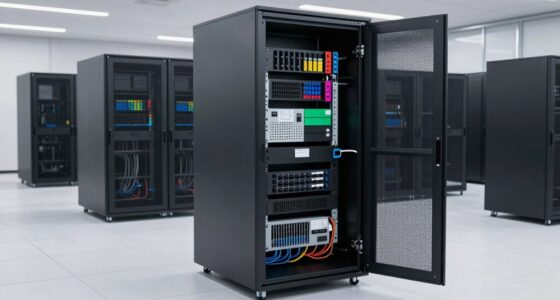
In today’s data-driven world, having a reliable backup appliance is crucial to protect your critical information. The best backup appliances don’t just store data—they actively reduce risk through features designed to keep your data safe and accessible. One key feature is seamless cloud integration, which allows you to back up data directly to a secure cloud environment. This integration ensures your data isn’t confined to a physical device, making recovery faster and more flexible. Cloud integration also provides off-site storage, protecting your information from local disasters like fires, floods, or theft. With this setup, you can quickly retrieve files from anywhere, reducing downtime and minimizing data loss. Additionally, some appliances incorporate digital marketing tools that enhance data management efficiency and security protocols.
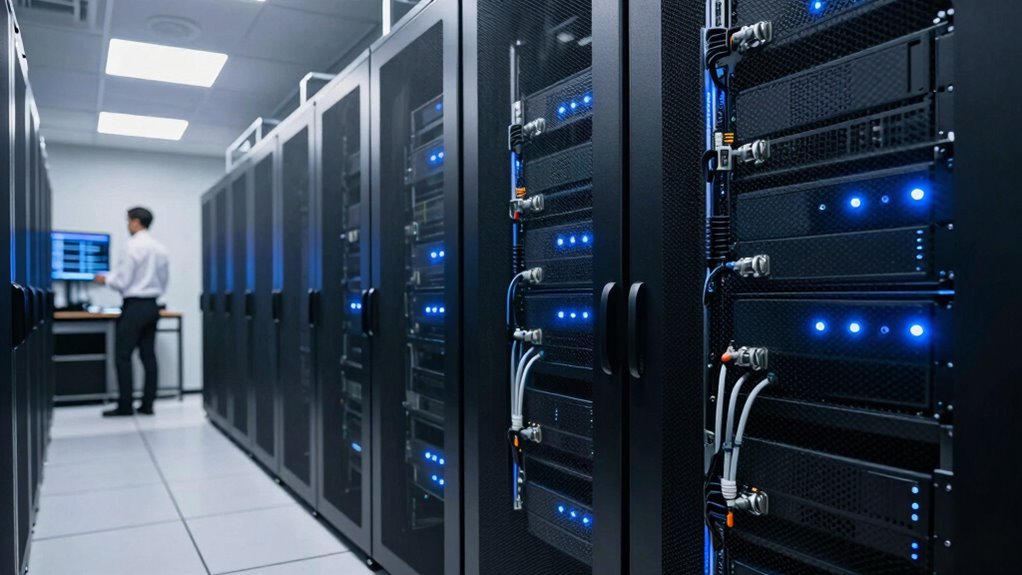
Seamless cloud integration ensures fast, flexible recovery and off-site protection against local disasters.
Another critical feature is ransomware protection. Modern backup appliances come equipped with mechanisms that detect and block ransomware attacks before they can encrypt your backup data. These appliances often incorporate immutable storage, which makes backup files tamper-proof once written. Even if your network is compromised, your backups remain safe and unchangeable, giving you a reliable recovery point. Some appliances also include continuous monitoring and anomaly detection, alerting you immediately if suspicious activity is detected. This proactive approach helps prevent the spread of ransomware and ensures your backups are pristine when you need them most. Incorporating cybersecurity protocols further fortifies your backup environment against emerging threats. Implementing encryption standards adds an additional layer of security, making unauthorized access to your backup data significantly more difficult. Staying informed about security measures is essential for adapting to new threats and maintaining data resilience.
Speed and ease of recovery are also essential features that directly diminish risk. Backup appliances with fast restore capabilities mean you can get your systems back online swiftly, minimizing operational disruptions. The ability to perform granular restores—such as individual files or emails—saves time and reduces the impact on productivity. Additionally, user-friendly interfaces make managing backups straightforward, reducing the chance of human error that could compromise your data’s integrity. Incorporating automation features can also streamline backup processes, further reducing the risk of oversight. Furthermore, automation features contribute considerably to risk reduction. Automated scheduling ensures consistent backups without relying on manual intervention, decreasing the chances of missed backups or outdated copies. Versioning capabilities allow you to retain multiple snapshots of your data, so if corruption or ransomware infiltrates your latest backup, you can revert to an earlier, unaffected version. These features collectively create a resilient backup environment that safeguards your data against evolving threats.

BUFFALO TeraStation WS5220DN 2-Bay Windows Server IoT 2025 Desktop NAS 4TB (2x2TB) w/HDD Included
- Operating System: Windows Server IoT 2025
- Included Hard Drives: Pre-tested NAS-grade drives with RAID
- Licensing: No CALs required
As an affiliate, we earn on qualifying purchases.
As an affiliate, we earn on qualifying purchases.
Frequently Asked Questions
How Often Should Backup Appliances Be Updated or Replaced?
You should update your backup appliance regularly, ideally every 2-3 years, to keep firmware current and guarantee security. Firmware updates patch vulnerabilities and improve performance, while hardware refreshes are necessary when devices become outdated or fail to meet your capacity needs. Regular updates and timely hardware refreshes help you minimize risk, maintain reliability, and stay protected against evolving cyber threats and data loss scenarios.
What Security Measures Protect Backup Appliances From Cyber Threats?
Think of your backup appliance as a vault—security measures keep it safe from cyber threats. You should implement strong encryption protocols to scramble data, making it unreadable to hackers. Additionally, strict access controls limit who can view or modify backups, reducing vulnerabilities. Regularly updating firmware and monitoring activity logs further fortify your defenses. These combined measures create a fortress, ensuring your backups stay protected against evolving cyber threats.
Can Backup Appliances Integrate With Cloud Storage Solutions?
Yes, backup appliances can integrate with cloud storage solutions seamlessly. You can leverage cloud integration to extend your backup capacity and improve disaster recovery options. Automation features make it easy to schedule and manage backups to the cloud, ensuring data consistency and reducing manual effort. This integration enhances your backup strategy’s flexibility, allowing you to restore data quickly from cloud repositories if needed, ultimately boosting your overall data protection.
How Do Backup Appliances Handle Data Recovery Speed?
Did you know that efficient backup appliances can restore data up to 10 times faster than traditional methods? They handle data transfer intelligently, prioritizing critical files to speed up recovery time. By optimizing data flow and using advanced algorithms, these appliances minimize downtime during recovery processes. You’ll notice quicker restoration, reducing business disruption and ensuring your data is back online swiftly, even during emergencies.
What Are the Costs Associated With Deploying a Backup Appliance?
Deploying a backup appliance involves initial costs like hardware, software, and setup, which you should consider in your cost analysis. You might face deployment challenges such as integrating with existing systems and training staff, which can add to expenses. Ongoing costs include maintenance and updates. While upfront costs can be significant, a well-planned deployment guarantees long-term savings and risk reduction.

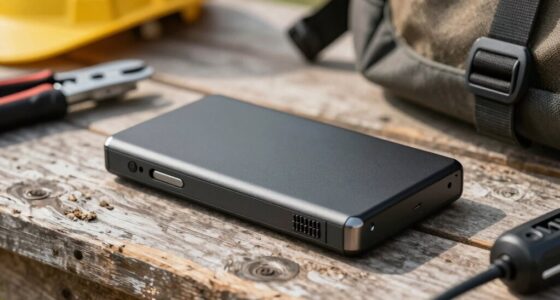
Seagate Portable 2TB External Hard Drive HDD — USB 3.0 for PC, Mac, PlayStation, & Xbox -1-Year Rescue Service (STGX2000400)
- Storage Capacity: 2TB portable external hard drive
- Compatibility: Works with Windows and Mac
- Ease of Use: Plug-and-play setup
As an affiliate, we earn on qualifying purchases.
As an affiliate, we earn on qualifying purchases.
Conclusion
By choosing a backup appliance with features like automated backups, encryption, and quick recovery options, you’re fundamentally building a safety net that minimizes your risk. These tools work together to protect your data and guarantee business continuity. Don’t you want to imagine a scenario where your data is safe, accessible, and protected from threats? Investing in these features isn’t just smart—it’s your best defense against unexpected disasters, giving you peace of mind when it matters most.

SonicWall TZ270W Wireless TotalSecure | 1YR Advanced Edition | TZ270W Gen7 Firewall with 1 Year Advanced Protection Service Suite | SMB Wi-Fi Unit with Threat Protection (02-SSC-6850)
- Wireless Connectivity: 802.11ac Wave 2 Wi-Fi included
- Firewall Security: Enterprise-grade firewall protection
- Security Suite: Includes 1-year Advanced Protection Service
As an affiliate, we earn on qualifying purchases.
As an affiliate, we earn on qualifying purchases.

SANDISK 256GB Phone Drive for Android – The 2-in-1 USB for Smartphones, Tablets, and Computers – Thumb Drive with USB Type-C and Type-A Connectors – SDDDC6-256G-G46
- Expandable Storage: Easily free up device space
- Fast Transfer Speeds: Read speeds up to 100MB/s
- Automatic Backup: Back up files with SanDisk Memory Zone
As an affiliate, we earn on qualifying purchases.
As an affiliate, we earn on qualifying purchases.