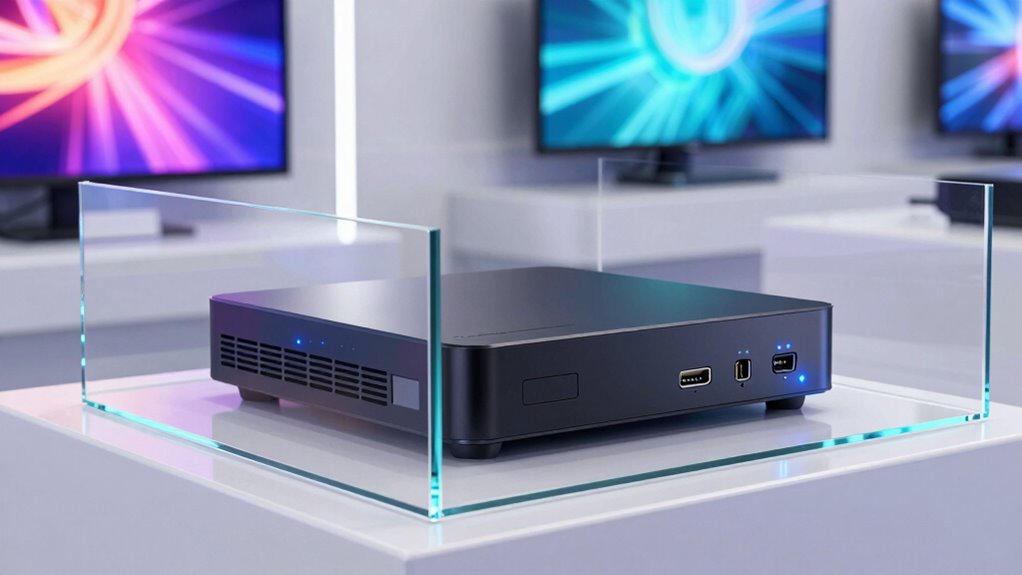

To support effective digital signage, your media player needs strong remote management capabilities for easy updates and troubleshooting. It should offer flexible connectivity options like Wi-Fi, Ethernet, and cellular for reliable streaming anywhere. High-resolution support, including 4K and HDR, is essential for engaging visuals. Energy efficiency, durability, and security features are must-haves to keep your content safe and devices running smoothly. Keep exploring to discover how to guarantee your signage stays current and impactful.

Get business pricing on tech for your team
- Business-only prices and quantity discounts
- Tax-exempt purchasing
- Multiple users, one account, clear invoices
Key Takeaways
- Remote management capabilities for easy content updates, scheduling, and troubleshooting across multiple locations.
- Multiple connectivity options (Wi-Fi, Ethernet, cellular) for reliable and flexible network access.
- Support for high-resolution media formats, including 4K and 8K, for vibrant, sharp visuals.
- Energy-efficient and durable design for continuous, 24/7 operation with minimal maintenance.
- Robust security features and regular software updates to protect content and devices from cyber threats.
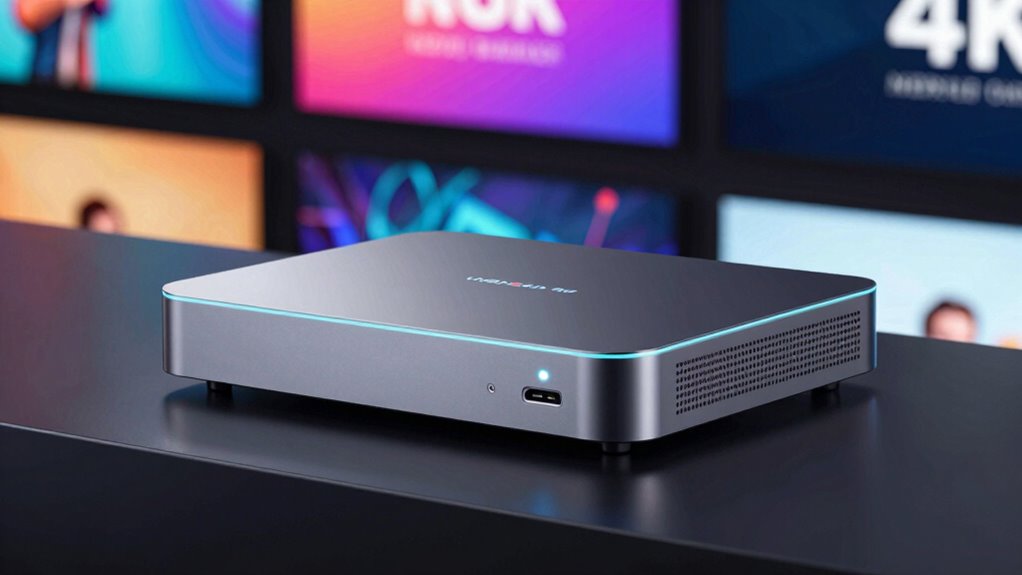
In addition, remote management has become an essential feature for digital signage media players. Managing multiple displays across different locations can be challenging without the ability to control content remotely. Your media players should facilitate easy updates, scheduling, and troubleshooting from anywhere, saving you time and reducing operational costs. With robust remote management capabilities, you can push content changes instantly, ensuring your messaging remains current and relevant, without needing to visit each display physically. Incorporating secure access controls is vital to safeguard your content and devices from cyber threats. Connectivity options are another key support feature your media players must have. Supporting Wi-Fi, Ethernet, and even cellular connections ensures reliable streaming and updates, regardless of the environment. This flexibility is especially important if your displays are placed in remote or hard-to-reach locations. The more stable and versatile the connectivity options, the less you’ll worry about disruptions or delays in content delivery. Your media players need to be compatible with a wide array of media formats, including high-resolution images, videos, and live feeds. Supporting 4K or even 8K resolutions is increasingly important as audience expectations grow for sharper visuals. The ability to handle various formats ensures your content remains vibrant and engaging, regardless of the complexity or size of your media files. Additionally, considering energy efficiency features can significantly reduce operating costs, especially if your displays run 24/7. Energy-efficient media players are designed for continuous operation, with low power consumption and solid build quality. This minimizes maintenance costs and extends the lifespan of your investment. Moreover, content security features can help prevent unauthorized access and protect sensitive information displayed on your screens. Ensuring your media players support software updates is also crucial for maintaining security and compatibility over time.
As an affiliate, we earn on qualifying purchases.
Frequently Asked Questions
How Long Is the Typical Lifespan of a Digital Signage Media Player?
A typical digital signage media player lasts around 3 to 5 years, depending on hardware durability and usage. You should look for models with robust build quality and efficient power consumption to extend lifespan. Regular updates and proper maintenance also help prevent hardware failure. By choosing a durable, power-efficient device, you guarantee your signage stays reliable and effective for years, maximizing your investment and minimizing downtime.
Can Media Players Support 4K or Higher Resolution Content?
Yes, many media players support 4K or higher resolution content now. To handle this, guarantee they have robust content compression capabilities to manage large files efficiently. Also, check their connectivity options like HDMI 2.0, DisplayPort, or wireless connections, so your high-resolution content streams smoothly without lag. Supporting these features guarantees your displays run crisp, clear visuals, enhancing viewer engagement and delivering a seamless digital signage experience.
What Are the Security Features Available in Digital Signage Media Players?
Imagine a retail store protecting sensitive ads; digital signage media players offer security features like content encryption and user authentication. These features guarantee that only authorized personnel can access or modify content, preventing theft or tampering. For example, a hospital’s signage system uses user authentication to restrict access, and content encryption to secure patient information. These security measures safeguard your digital signage from cyber threats and unauthorized use.
How Easy Is It to Update or Upgrade Media Player Firmware?
Updating or upgrading your media player’s firmware is typically straightforward, often involving a few simple steps. You can usually download firmware updates from the manufacturer’s website and install them via USB or network connection. Hardware upgrades may require replacing or adding components, but many models support seamless firmware updates that keep your system secure and running smoothly. Regular updates guarantee compatibility, enhanced features, and improved security.
Are Media Players Compatible With All Digital Signage Software Platforms?
You’ll find that most media players are quite versatile, supporting a wide range of digital signage software platforms. This compatibility allows you to easily customize content and seamlessly connect to your network. While some players excel with specific platforms, many are designed for broad integration, making your management straightforward. Just make certain your chosen media player offers robust network connectivity options and supports your preferred software for smooth content customization and delivery.
remote management digital signage device
As an affiliate, we earn on qualifying purchases.
As an affiliate, we earn on qualifying purchases.
Conclusion
As you choose your digital signage media player, remember it’s the backbone of your display, much like a conductor guiding an orchestra. It needs to support high-resolution content, seamless connectivity, and reliable performance to keep your audience engaged. By ensuring your media player can handle current demands, you’re setting the stage for vibrant, dynamic displays that captivate viewers—like a symphony that comes together flawlessly, leaving a lasting impression.
4K HDR media player for digital signage
As an affiliate, we earn on qualifying purchases.
As an affiliate, we earn on qualifying purchases.
energy-efficient digital signage media player
As an affiliate, we earn on qualifying purchases.
As an affiliate, we earn on qualifying purchases.
Halloween Picks
halloween
As an affiliate, we earn on qualifying purchases.