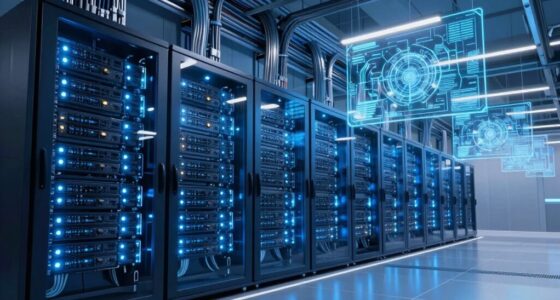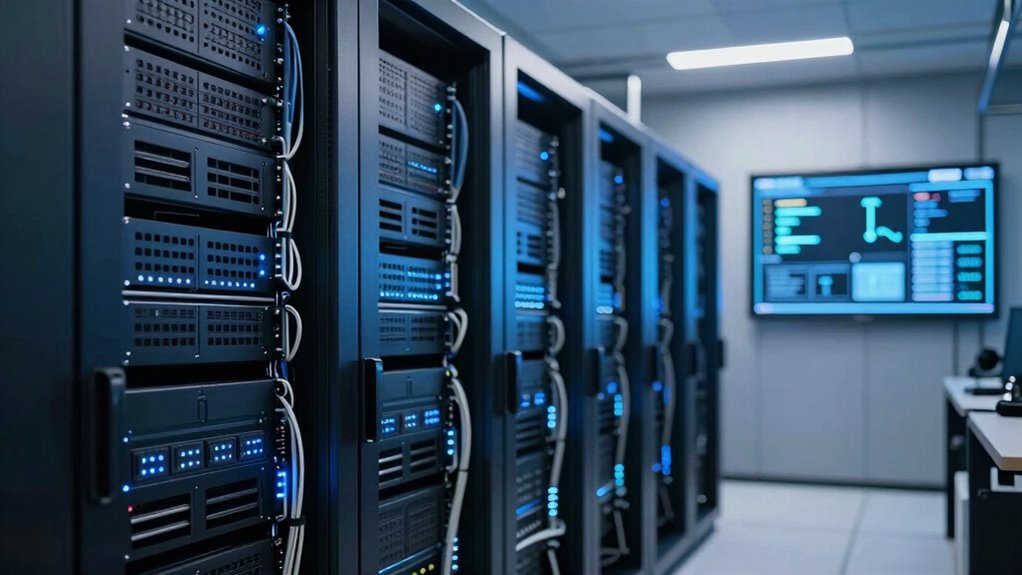

To set up an effective AI training server, focus on high-performance hardware like GPUs with ample VRAM and fast CPUs for preprocessing. Guarantee reliable networking with high-speed connections to reduce latency and improve data transfer. Keep your system cool, organized, and regularly maintained to prevent disruptions. Scalability and hardware health are key for long-term success. If you keep exploring, you’ll discover how to fine-tune your setup for maximum efficiency and growth.
Key Takeaways
- High-performance GPUs with sufficient VRAM for faster training and model handling.
- Reliable, scalable hardware components to support future growth and large datasets.
- Optimized network infrastructure to ensure low latency and high data throughput.
- Proper cooling, power, and maintenance routines to ensure hardware stability and longevity.
- Organized environment with efficient data access and hardware management for smooth workflows.
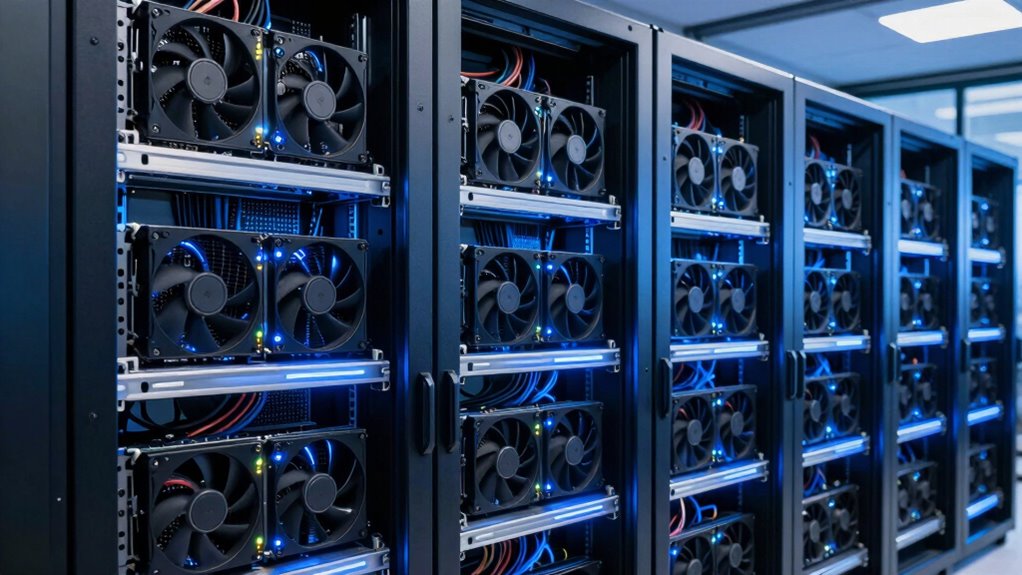
Setting up an AI training server can seem complex, but with the right approach, it becomes manageable. The key is understanding what truly matters in creating a system that performs efficiently and reliably. First, focus on hardware optimization. Your server’s hardware is the backbone of training performance. Prioritize high-performance GPUs, as they accelerate computation significantly. Look for models with ample VRAM, since large datasets and complex models demand substantial memory. CPUs should be powerful enough to handle data preprocessing and orchestration tasks, but they’re typically secondary to GPUs in training speed. Solid-state drives (SSDs) are essential for fast data access, reducing bottlenecks during training. Adequate RAM supports smooth data handling, especially when working with large datasets, preventing slowdowns caused by disk swapping. Ensuring proper cooling and power supply is equally critical; overheating can throttle performance, and unstable power can cause crashes. Regularly monitor hardware health, and consider future-proofing by selecting scalable components that can grow with your project demands. Additionally, implementing redundant storage solutions can safeguard your data against hardware failures, ensuring training continuity. Proper hardware scaling and configuration are also vital for accommodating growing datasets and more complex models. Maintaining a predictable hardware environment helps prevent unexpected disruptions and keeps your setup running optimally.
Network configuration is another vital aspect that directly impacts training efficiency. An optimized network setup minimizes latency and maximizes data throughput between your server and storage or other nodes. Use high-speed networking options like 10GbE or faster, especially if you’re working with distributed training across multiple machines. Proper cabling, switches, and network topology prevent bottlenecks that slow down data transfer. Additionally, configuring network settings for low latency—such as adjusting buffer sizes and enabling jumbo frames—can make a noticeable difference. Keep security in mind; a well-secured network prevents disruptions or malicious interference during long training cycles. If your setup involves multiple servers, setting up efficient communication protocols and synchronization mechanisms ensures that the training process remains smooth and cohesive.
Finally, don’t overlook the importance of a clean, organized environment. A well-structured setup with clear cable management, proper ventilation, and consistent maintenance keeps hardware running at peak performance. Regularly update drivers and firmware to benefit from the latest optimizations. Paying attention to hardware health monitoring can help catch potential issues before they cause downtime. By focusing on hardware optimization and fine-tuning your network configuration, you lay a solid foundation for effective AI training. When these elements work in harmony, you’ll notice faster training times, fewer errors, and a more reliable overall system. It’s about making smart choices early on, so your machine learning projects can progress smoothly without unnecessary delays or technical issues. In the end, understanding what matters most empowers you to build a capable, scalable AI training server tailored to your needs.
high performance GPU with large VRAM
As an affiliate, we earn on qualifying purchases.
As an affiliate, we earn on qualifying purchases.
Frequently Asked Questions
How Much Does an AI Training Server Typically Cost?
An AI training server typically costs between $10,000 and $50,000, depending on hardware specifications and your cost considerations. High-performance GPUs like NVIDIA A100s or H100s considerably drive up costs, while CPU, RAM, and storage choices also impact the price. You should weigh your budget against required hardware specs to guarantee ideal training efficiency without overspending. Remember, investing in quality hardware can save you time and money long-term.
What Are the Best Brands for AI Server Hardware?
You should consider brands like Dell, HPE, and Supermicro for AI server hardware, as they offer reliable options with excellent hardware compatibility. These brands focus on optimizing power consumption, helping you manage operational costs. When choosing, guarantee compatibility with your existing infrastructure and prioritize energy efficiency. This way, you’ll get a robust, scalable setup that meets your AI training demands while minimizing power use and maintenance issues.
How Do I Ensure Data Security During Training?
You want to keep your data safe during training, but do you know the risks? First, implement data encryption—both at rest and in transit—to prevent unauthorized access. Next, tighten access controls, ensuring only trusted personnel can reach sensitive data. Regularly update security protocols and monitor activity logs. These steps create a fortress around your data, guarding it against threats and giving you peace of mind in your AI training journey.
Can I Upgrade a Server Later?
Yes, you can upgrade a server later. Focus on hardware compatibility to guarantee new components work seamlessly with your existing setup. Develop upgrade strategies that prioritize essential components like GPUs, RAM, or storage, depending on your evolving needs. Planning ahead makes future upgrades smoother, minimizes downtime, and keeps your AI training server efficient. Regularly check compatibility and stay informed about hardware advancements to make smart, cost-effective upgrades when needed.
What Software Is Essential for AI Training?
Did you know that over 60% of AI training time is spent on data preprocessing? For your setup, essential software includes frameworks like TensorFlow or PyTorch for model development, along with tools for model optimization and data preprocessing. These guarantee your data is clean and your models run efficiently. Don’t forget version control and visualization tools to streamline workflows. This combo helps you train smarter, faster, and more accurately.
As an affiliate, we earn on qualifying purchases.
Conclusion
Ultimately, creating an effective AI training server setup means focusing on the essentials: selecting the right hardware, optimizing your network, and maintaining proper cooling. It’s about balancing power and efficiency, ensuring reliability and scalability, and always staying adaptable. By prioritizing these key elements, you set yourself up for success, for progress, and for innovation. Because in AI training, it’s not just about the tools you use, but how you use them that truly matters.
As an affiliate, we earn on qualifying purchases.
As an affiliate, we earn on qualifying purchases.