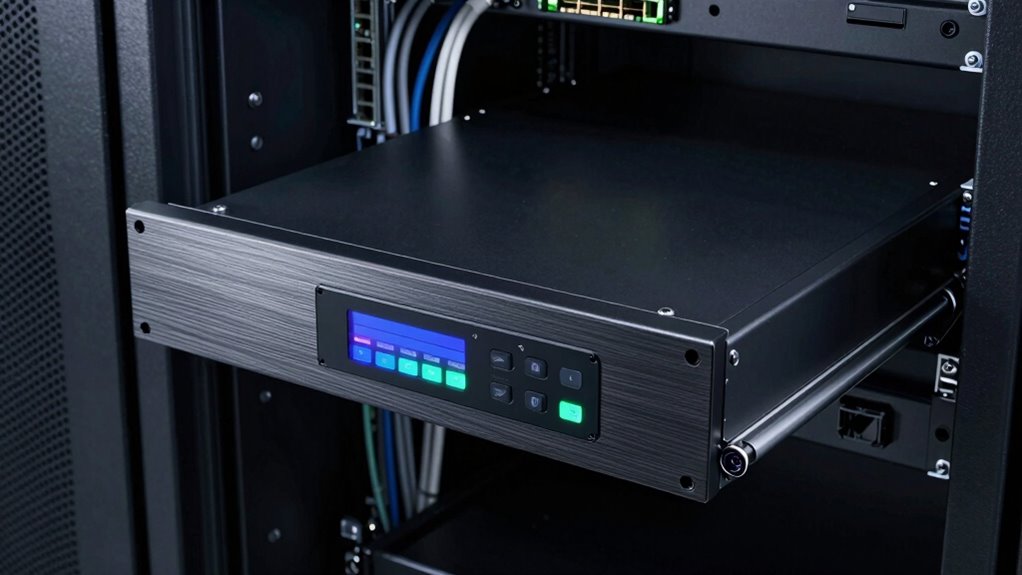

A rackmount console drawer still makes sense because it offers remote management, space efficiency, and organized access in one reliable unit. You can control multiple servers from a single interface, reducing the need for physical visits. Its compact design saves space and keeps your setup tidy, while quick access lets you perform troubleshooting or updates swiftly. If you want to understand how it boosts operational flow and saves costs, keep exploring the benefits it provides.
Key Takeaways
- Enables remote management, reducing the need for physical presence and improving response times during troubleshooting.
- Maximizes space efficiency with fold-away designs and integrated components, ideal for tight server environments.
- Simplifies cable management and maintains a tidy, professional data center appearance.
- Supports quick maintenance, firmware updates, and diagnostics, minimizing costly downtime.
- Offers a practical, organized solution for managing multiple servers and network devices in diverse setups.
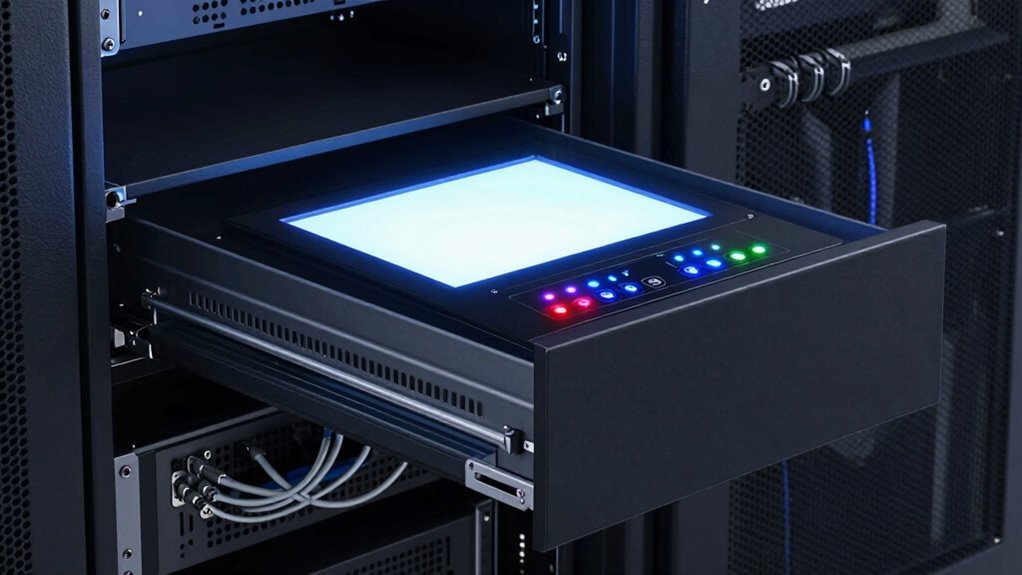
Have you ever considered why a rackmount console drawer remains a clever choice for managing your data center equipment? It’s because these consoles offer a seamless blend of remote management capabilities and space utilization. When you’re responsible for maintaining critical infrastructure, having easy, reliable access to servers and network hardware is essential. A rackmount console drawer allows you to manage your equipment directly through a single interface, reducing the need for physical travel to each device. This direct access is especially valuable during troubleshooting, firmware updates, or emergency situations, where quick action can prevent costly downtime.
Remote management is a key advantage of a high-quality rackmount console drawer. Many models come equipped with integrated KVM switches and remote access features, enabling you to control multiple servers from a central location. This means you don’t need to be physically present at the rack every time an issue arises. Instead, you can perform diagnostics, reboot servers, or access BIOS settings remotely, saving you time and reducing logistical challenges. This level of control enhances your ability to respond swiftly to problems, minimizing interruptions and keeping your data center running smoothly. It also simplifies maintenance schedules, allowing you to plan updates and checks during off-peak hours without disrupting daily operations.
Space utilization is another compelling reason to choose a rackmount console drawer. Unlike standalone monitors, keyboards, or mice, these consoles are designed to fit neatly into standard rack sizes. They fold away when not in use, freeing up valuable rack space for other equipment or future expansion. This compact design helps you maximize your data center’s real estate, making it easier to organize servers, switches, and storage devices efficiently. Plus, the integrated nature of a console drawer reduces clutter, streamlines cable management, and creates a cleaner, more professional environment. It’s an all-in-one solution that keeps your setup tidy and accessible, particularly in tight spaces where every square inch counts. Additionally, the space-saving design contributes to energy efficiency by reducing unnecessary equipment and power consumption. Moreover, a well-designed console drawer can enhance overall data center organization by keeping essential tools within easy reach.
In essence, a premium rackmount console drawer addresses the core needs of data center management: remote control, quick access, and space efficiency. It’s an investment that makes managing multiple devices more straightforward, efficient, and less labor-intensive. Whether you’re overseeing a small server closet or a large data hall, having a reliable console drawer simplifies your workflow, improves response times, and helps you make the most of your available space. That’s why, even today, the best rackmount console drawer remains a smart, practical choice for maintaining a well-organized, accessible, and efficiently managed data center. Considering the importance of space utilization, these consoles are an essential component of a well-designed infrastructure.

4 Port Rack Mount KVM Console w/15.6" 1080P Rackmount Monitor, 1U HDMI KVM Switch Drawer + Keyboard + Touchpad + 4 USB HDMI KVM Cable, OSD Hotkey Button Switching for Shallow Depth 24" Network Cabinet
- Integrated 4-Port HDMI KVM Console: Includes monitor, keyboard, touchpad, and switch
- Compact 1U Rack Mount Design: Fits standard 19-inch cabinets with included brackets
- Space-Saving Shallow Depth: Only 16.36 inches deep for tight spaces
As an affiliate, we earn on qualifying purchases.
As an affiliate, we earn on qualifying purchases.
Frequently Asked Questions
How Do Rackmount Consoles Compare to Remote Management Solutions?
Rackmount consoles offer direct, reliable access to your equipment, providing a secure environment for remote access that’s tough to match with remote management solutions alone. They enhance network security by limiting external vulnerabilities, ensuring you have control even during network outages. While remote management tools are convenient, a rackmount console drawer gives you immediate, hands-on access when needed, making it a valuable part of your overall network security and management strategy.
What Are the Environmental Requirements for Optimal Console Drawer Use?
Imagine a quiet server room, where essential console drawer use hinges on proper environmental conditions. You need stable temperature and humidity levels, guaranteeing equipment stays cool and efficient. Power efficiency is vital, so use energy-friendly devices. Maintain environmental controls like ventilation and filtration to prevent overheating and dust buildup. By creating a controlled environment, you secure your rackmount console drawer operates reliably, prolonging its lifespan and safeguarding your valuable data.
Can a Rackmount Console Be Customized for Specific Hardware Setups?
Yes, a rackmount console can be customized for specific hardware setups. You can tailor it to match your hardware compatibility needs by adjusting the size, layout, and features. Customization options include adding extra ports, cooling solutions, or specialized compartments. This guarantees your console fits seamlessly into your setup, offers ideal access, and supports your unique hardware requirements effectively.
What Are the Common Issues Faced When Using Rackmount Console Drawers?
You might face issues with cable management, as tangled or poorly organized cables can hinder access and airflow. User ergonomics can also be a challenge if the console drawer isn’t adjustable or comfortable, leading to strain during extended use. Regularly checking and organizing cables helps prevent damage, while choosing a console with ergonomic features guarantees comfortable, efficient operation, minimizing fatigue and maximizing productivity during technical tasks.
How Does Maintenance Differ Between Rackmount Consoles and Other Access Methods?
Maintenance for rackmount consoles offers better physical accessibility, making it easier for you to perform tasks without extensive manual intervention. Unlike remote access methods, these consoles allow you to quickly troubleshoot and manage hardware directly, reducing downtime. You can access critical components swiftly, and manual intervention is straightforward, ensuring smoother, more efficient maintenance. This hands-on approach minimizes delays and keeps your systems running at their best.

MT-VIKI 8 Port IP KVM Switch with 17" LCD Rack Console, 1 Local & 1 Remote User, Remote Server Management up to 230ft/70m via CAT5e/CAT6, 1U Rackmount for Data Centers
- Centralized Management: Control 8 servers from one console
- Dual User Access: Supports local and remote management
- Remote IP KVM Access: Secure remote server management over IP
As an affiliate, we earn on qualifying purchases.
As an affiliate, we earn on qualifying purchases.
Conclusion
So, if you’re wondering whether a rackmount console drawer still makes sense, the answer is a clear yes. It simplifies your access, streamlines your setup, and enhances your control. It’s reliable when you need it, flexible when you want it, and essential when you depend on it. In a world full of options, it’s the one tool that stays consistent — the one solution you can trust to keep your systems running smoothly, every time.

1U Rack Mount KVM Console-19'' Rackmount Monitor Keyboard and Single Port VGA KVM, 50,000 MTBF,1280X1024 60Hz,17.6×19.9×1.67 Inches(WXDXH),Fit 1U 19'' Rack, 1 USB/VGA Cable,1 Power Cord, 4 Brackets
- Integrated 19" Rack Mount KVM: Includes monitor, keyboard, touchpad
- Versatile Compatibility: Supports Windows, Sun, Unix, Linux
- High-Resolution Display: 1280×1024, 16.7M colors, 5ms response
As an affiliate, we earn on qualifying purchases.
As an affiliate, we earn on qualifying purchases.

1U Rack Mount KVM Console-19'' Rackmount Monitor Keyboard and Single Port HDMI KVM, 50,000 MTBF,1280X1024 60Hz,17.6×19.9×1.67 Inches(WXDXH),Fit 1U 19'' Rack, 1 USB HDMI Cable,1 Power Cord, 4 Brackets
- Integrated 19" Rack Mount KVM: Controls one computer with monitor, keyboard, mouse
- High-Resolution 19" Monitor: 1280×1024@60Hz, 16.7M colors, 5ms response
- User-Friendly Design: Includes full-size keyboard, touchpad, HDMI connection
As an affiliate, we earn on qualifying purchases.
As an affiliate, we earn on qualifying purchases.